Excerise 1: Out of the box authoring
Before jumping into making our vibe-coded authoring experiences, we want to get a base underanding of what's already available to your creators. DA.live provides the following authoring modalities:
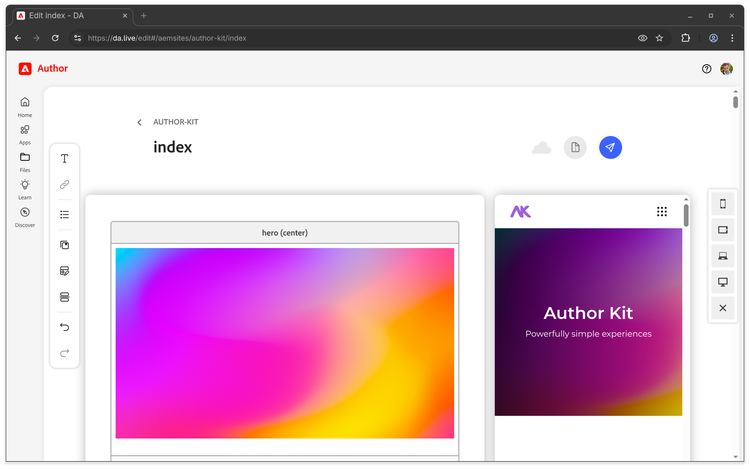
Document-based authoring
Used for approachable high velocity content creation.
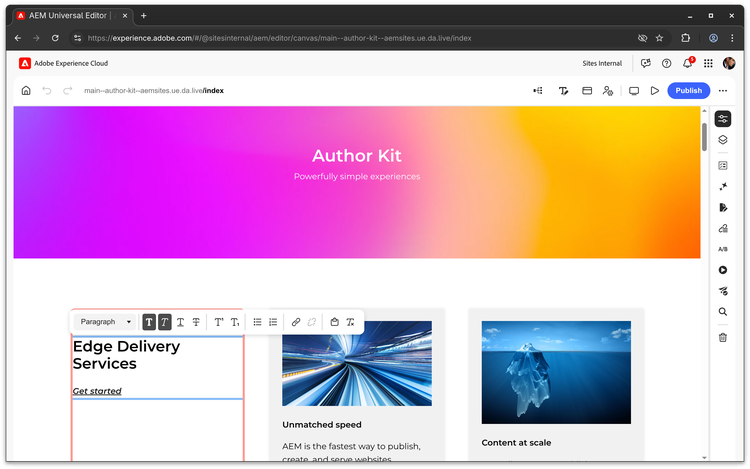
In-context authoring - Universal Editor
Used for guided content creation.
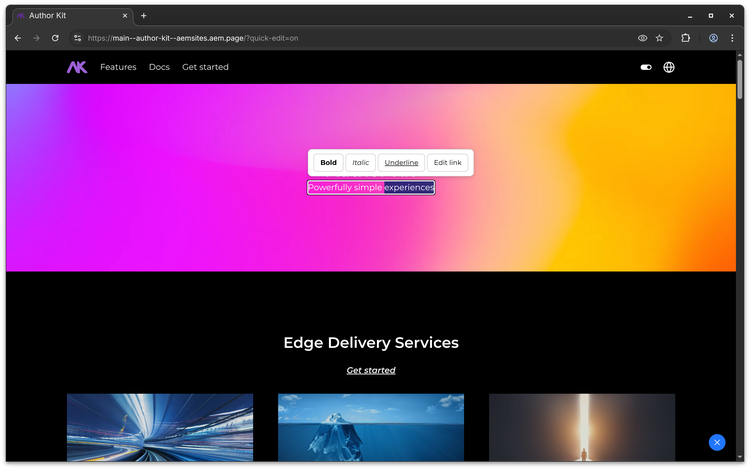
In-context authoring - Quick Edit
A lightweight editor for simple text & image edits.
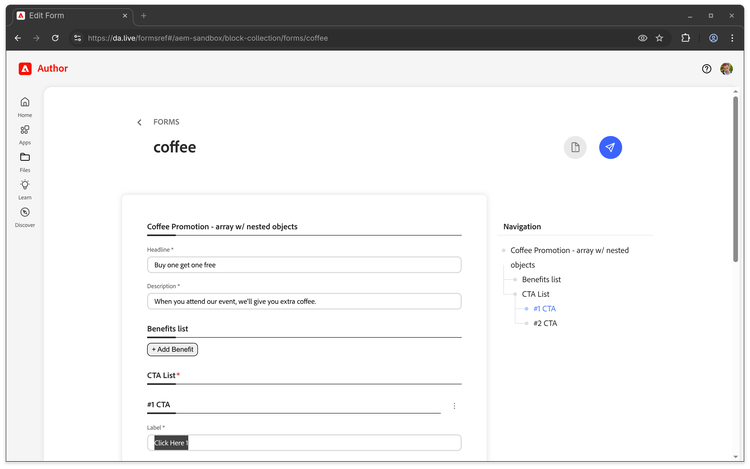
Structured Content authoring
Create content for applications which prefer headless delivery.
Get authoring...
Login
Your personal authoring space: https://da.live/#/adobe-summit2026-l613/seat-{seat}
Your Lab computer should already be logged in to the DA. And you can move on to the next excerise.
If you are not logged in follow the steps below
- Log in with email address is
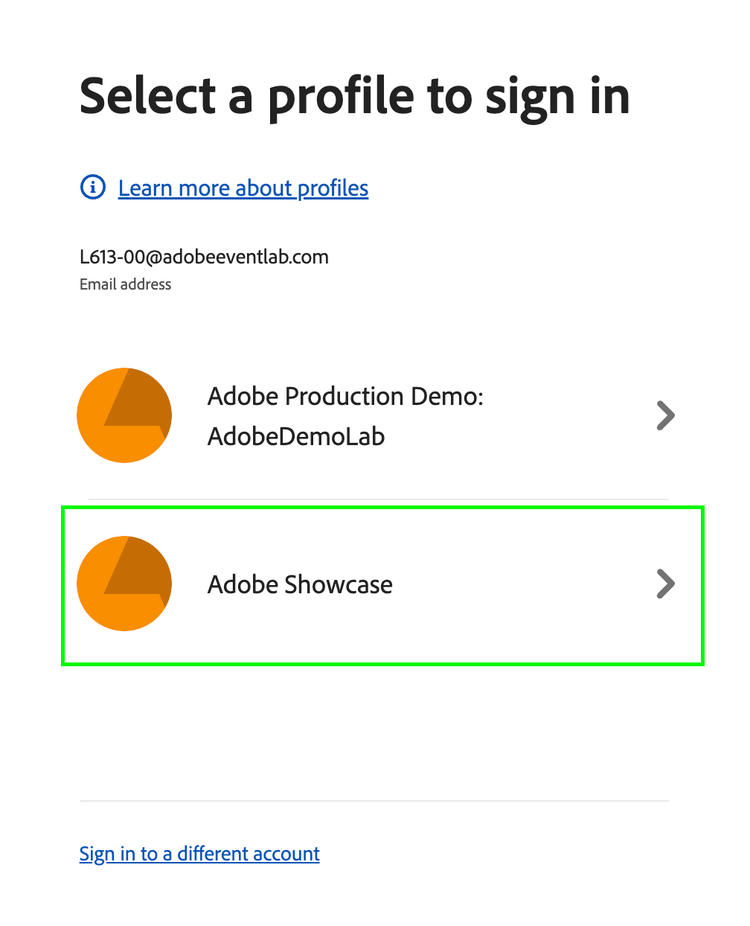
{adobeid}& password isSummit2026! - If you see the profile selector select
Adobe Showcase
Setup your environment
-
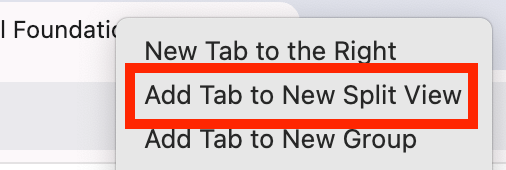
Right click on the tab for this workbook and select Add Tab to New Split View
-
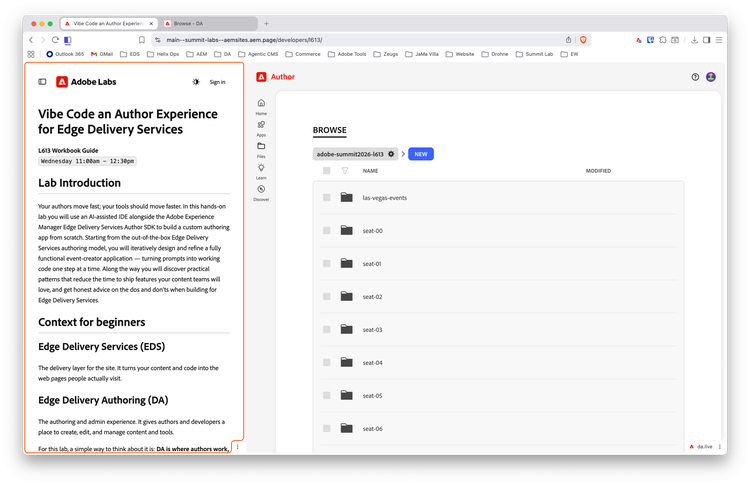
Your screen should look like this:
If you've used DA before, feel free skip, otherwise, let's dive into some of your out of the box options for creating content in Edge Delivery.